One baby log for the whole family — and a handoff for every shift
Give invited caregivers a common record and a clear way to ask someone to take over. A request and a confirmation stay distinct, with delivery status visible.
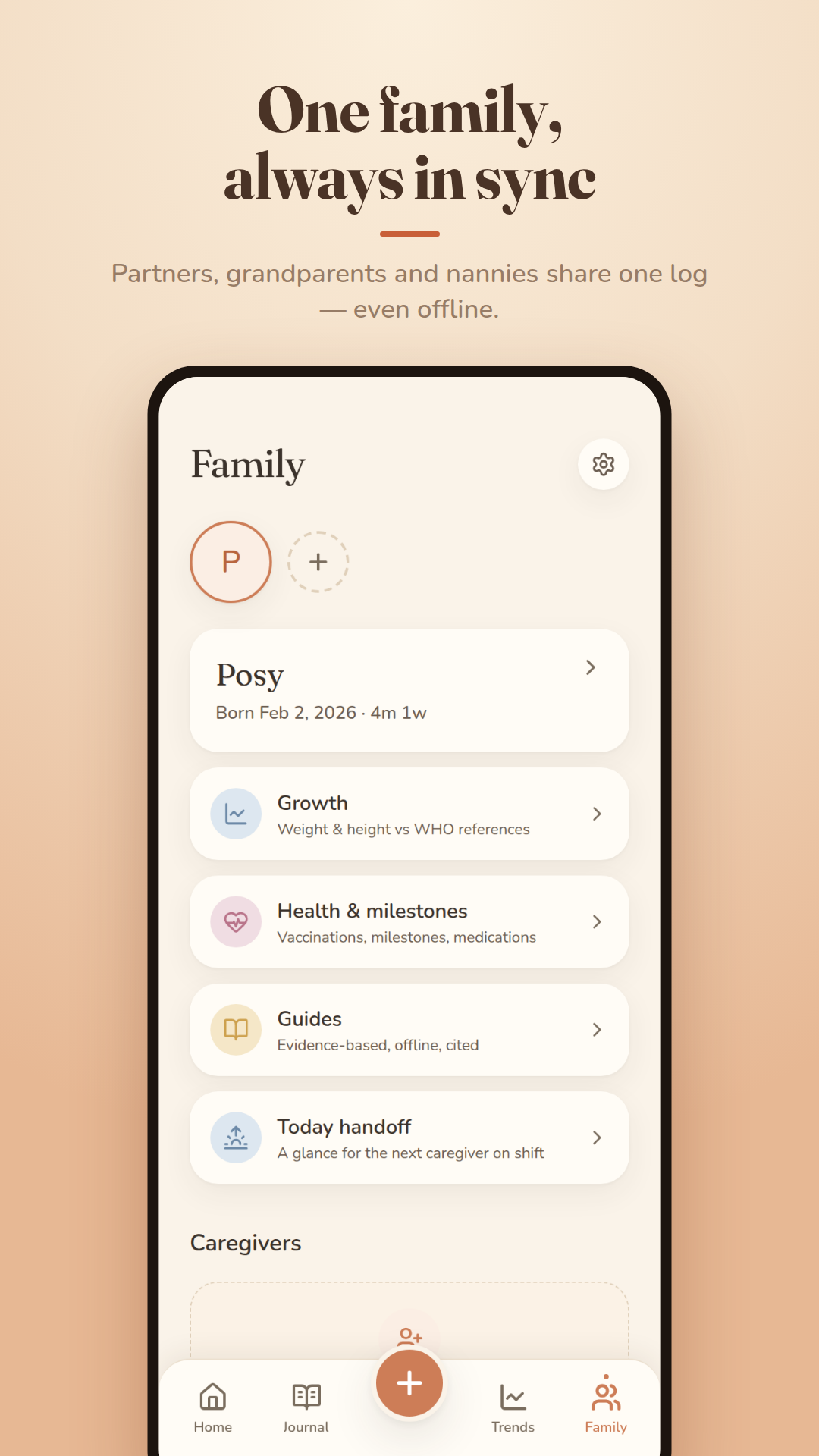
Invite caregivers by link and choose Admin, Caregiver or View-only access. Today handoff shows recorded events and times. Signed-in caregivers with logging access can request a handover with up to three reminders; the receiving adult can confirm with I’m taking over. Pending or failed sync is shown separately. Confirm urgent changes directly: an app entry cannot verify who is physically caring for the child.
What it does
Invite someone by link — Share, Copy or a ready-made email — and choose their access: Admin (log, view and invite others), Caregiver (log and view) or View-only, ideal for a grandparent who wants to follow along. Admins can change a non-admin caregiver between logging and view-only, remove that caregiver or revoke a pending invite. The care-team screen does not remove or demote another admin.
Today handoff puts recent records and their dates together. Latest handover distinguishes someone being asked from someone confirming. Choose Hand over, check Next caregiver, add up to three reminders and send. Copying the Today summary does not create or accept a handover.
Start a nap or a breastfeed and it shows on everyone's Home while it runs — “Started on Sam's phone” — so whoever is with the baby can pause or stop it, or switch sides on a feed, and it's logged once.
Two parents timing the same nap? The second is caught — “Already logged on another device — kept theirs”. A note appears when someone else logs, and everything works offline, syncing when you're back online.
How it works
- Create a free account (the first baby needs none to start).
- On the Care tab, tap Invite a caregiver and choose their access.
- Send the link; they open it and see the same log.
- Open Today handoff. Check the selected child and recorded events, send the handover request, and confirm the actual arrangement with the next adult.
The details
- Three access levels: Admin, Caregiver, View-only
- Invite links expire after 7 days; revoke any time
- Several children, switched from the Care tab
- Requested and confirmed handovers, with sync status
- Running naps and feeds shared as devices sync
- Duplicate-nap guard across devices
- “Sharing the care” shows who logged what
- Each person's private notes stay private
Common questions
Can two parents use Cocoon on different phones?
Yes. Invite your partner and you both log to the same live record from your own phones, even offline. A nap or feed one of you starts shows on the other's Home while it runs, and either of you can stop it. If you both time the same nap anyway, the second is caught so it isn't double-logged.
Can a grandparent see the log without changing it?
Yes. Choose View-only when you invite them: they can see records but not edit them.
Does Cocoon work for a nanny or daycare?
Yes. Invite them as a Caregiver so they can log, and use the Today handoff at pick-up and drop-off. You can remove their access at any time.
Can I track more than one child?
Yes. Add a second child with a free account and switch between children on the Care tab.
Read more in the guides
How a partner can help after the birth: feeds, nights and mood
Practical ways a partner or support person can share feeds, nights and recovery, and spot postnatal depression or anxiety in either parent.
Breastfeeding and returning to work: pumping, childcare and rights
Plan feeding around work or study, with an expressing schedule, carer handover, storing and transporting milk, and your workplace rights in Australia, the UK and the US.
Sleep deprivation with a newborn: coping, safety and when to get help
How broken sleep affects new parents, practical ways to get more rest, staying safe with your baby and on the road, and when exhaustion needs help.
Eat-play-sleep routine: a flexible daily rhythm for babies
How the eat-play-sleep (EASY) routine works, where it helps and where it doesn't, and how to build a flexible daily rhythm that keeps feeding responsive.
Family sharing & shift handoff
Every feature is free right now — no ads, no subscription. Log feeds, sleep and nappies in seconds — and keep the memories too.
Goes well with
One-tap logging with Undo
Four tiles that never move — Feed, Nappy, Sleep and Journal. Each one logs the usual in a single tap, half-asleep, with the baby in your other arm.
How it worksInsights, charts & weekly digest
The long-term reason to keep logging: clear charts, a weekly digest with numbers you can trust, and patterns compared with your own baby — never someone else's.
How it worksParent wellbeing
A baby app that asks how you are. Private check-ins, your nights beside your mood, and help that's close when you need it.
How it works