A useful handover says what was last recorded, what is uncertain, which task someone has agreed to take on and where current care instructions are kept. Date it and talk it through. A card supports the conversation; it does not replace it.
Original template · Practical example · Visual guide
A practical next step
Who needs which information?
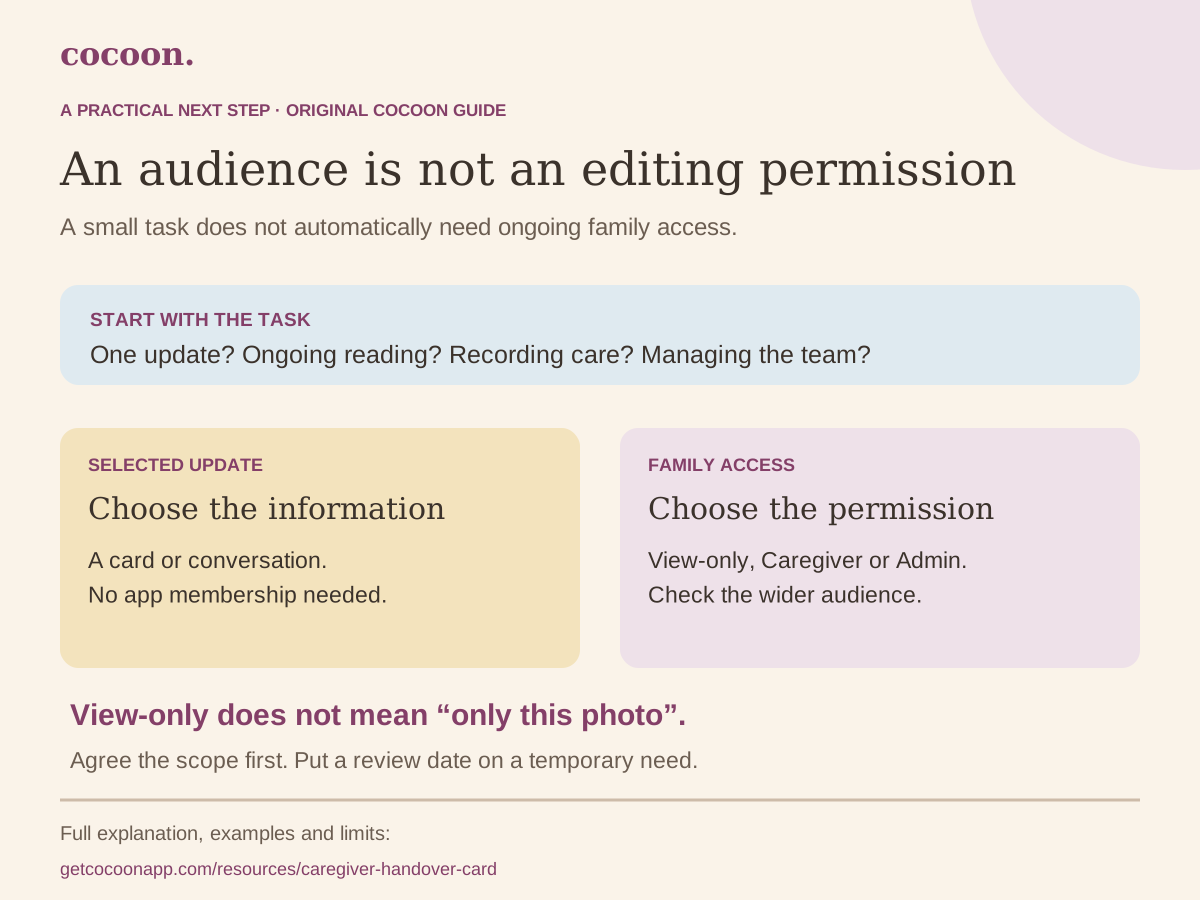
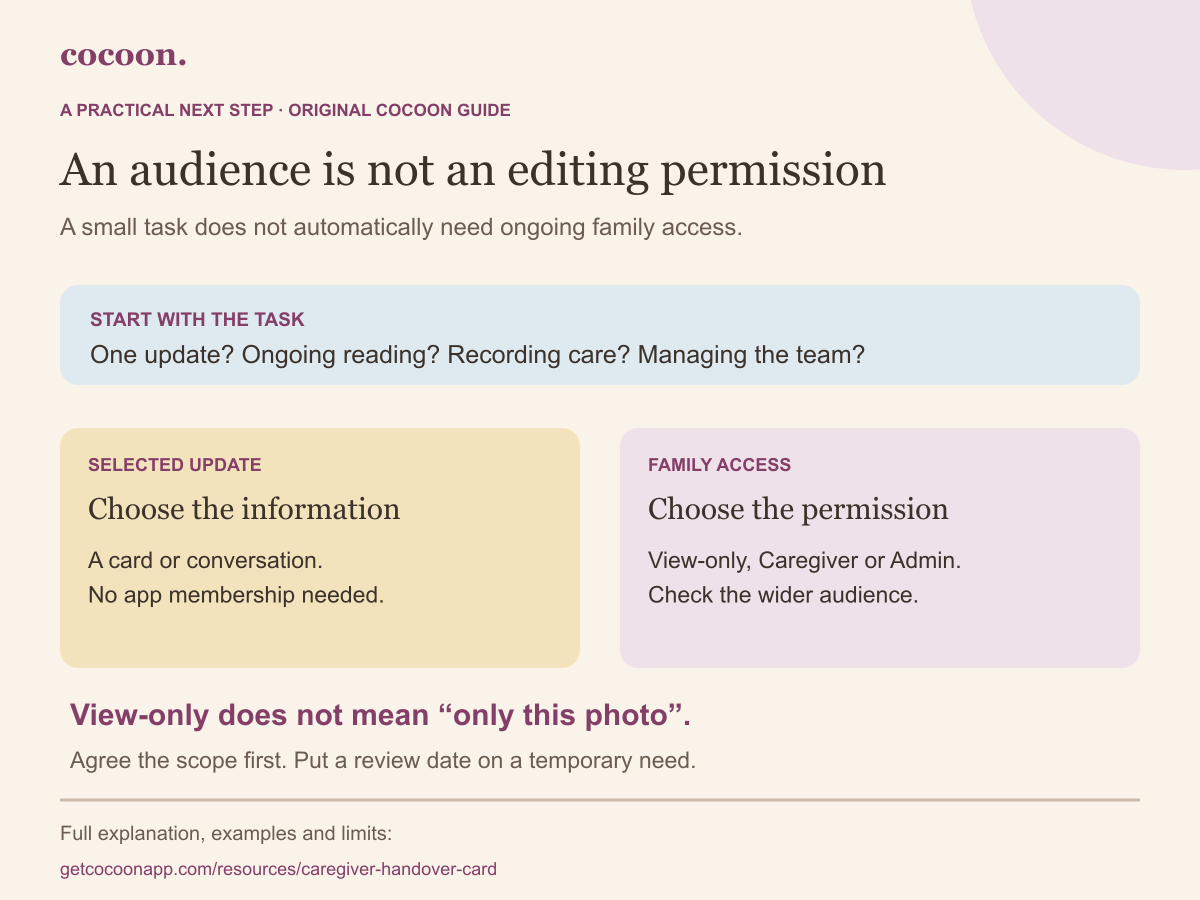
A grandparent who wants one story, an adult taking the next shift and someone managing invitations do not need the same arrangement. Begin with what they will do. Then decide whether the wider shared family record is an appropriate way to help them do it.
Start with the task and the audience. A single update and ongoing access to family records are different decisions.
The steps and worked examples are explained in full below.
Start with a selected update
Use a handover card, a conversation or a deliberately chosen copy. Do not send a family invite while the wider audience is undecided. View-only is a viewing permission, not a filter for individual entries.
Next step: Agree exactly what this person needs to know and which details should stay out.
Compare the current invite choices
Choice
What the invite screen describes
What not to assume
Selected update
A conversation or your own chosen handover copy
This does not create an app membership.
View-only
View records without editing
Not a per-entry or per-photo audience filter.
Caregiver
Log and view records
Not limited to the one event you want them to add.
Admin
Log, view and invite others
The care-team screen cannot remove or demote another admin.
A planning aid only. It does not send an invite or change permissions. Check the app’s current controls before sharing; do not assume account removal recalls earlier copies.
Separate the audience from the permission
View-only answers “can this person edit?” It does not answer “which single story can they see?” Cocoon’s invite screen offers Admin, Caregiver and View-only. It does not offer a per-photo, per-entry or one-day audience selector. If the task is to pass on one update, choose the information deliberately and use a conversation or your own copy of the handover card.
Agree the work before sending an invitation
For ongoing care, discuss which family records the person needs, who logs the next event and where uncertainty goes. An invitation is not a childcare collection authorisation, a clinical care plan or proof that someone accepted a shift. Keep those arrangements in their required channels. The planner below helps you consider the scope; it cannot change anyone’s account access.
Put a review date on temporary access
The current Care team screen lets an admin change a non-admin caregiver between logging and view-only, remove that caregiver, or revoke a pending invitation. It does not offer removal or demotion of another admin. Choose Admin deliberately, and review the available controls before relying on them. Do not assume removing access recalls downloaded files, screenshots, messages or copies already held on a device.
Context and product references: Cocoon: family sharing — Public workflow overview; specific controls checked against the app source on 17 October 2026.
The idea at a glance
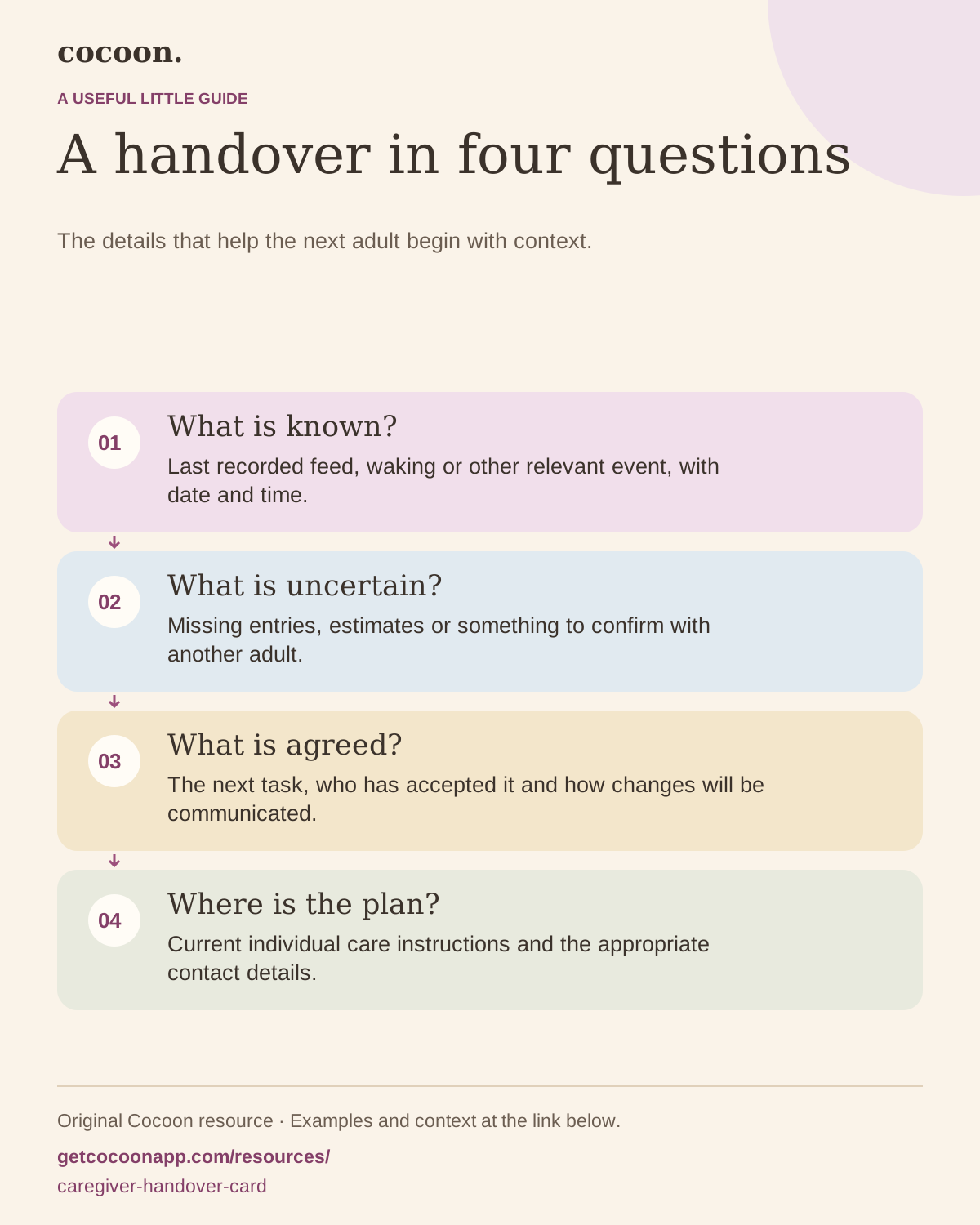
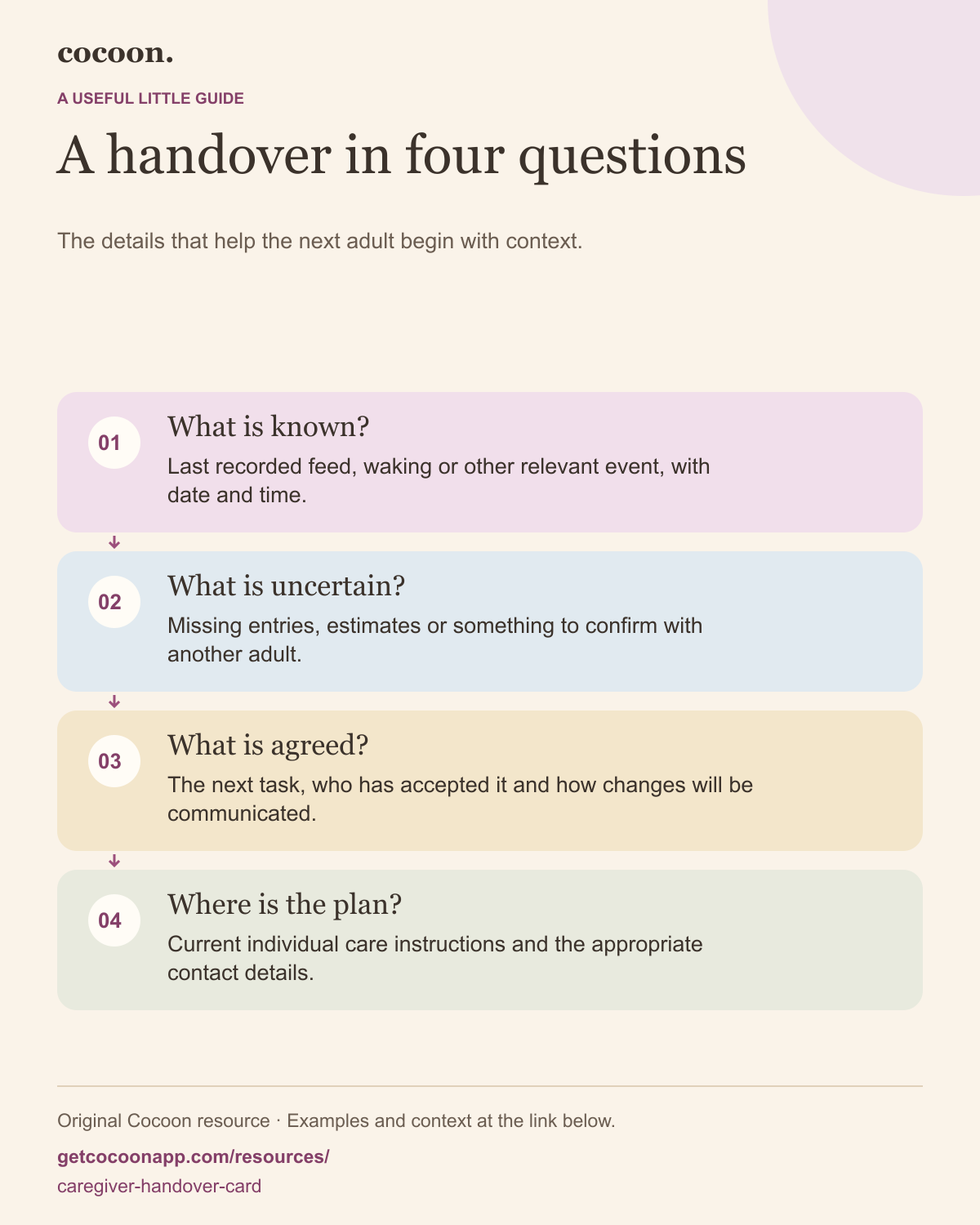
A handover in four questions
The details that help the next adult begin with context.
Last recorded feed, waking or other relevant event, with date and time.
What is uncertain?
Missing entries, estimates or something to confirm with another adult.
What is agreed?
The next task, who has accepted it and how changes will be communicated.
Where is the plan?
Current individual care instructions and the appropriate contact details.
Choose the details that answer the next person’s question
Start with the practical context: which child, which date and who is handing over to whom. Add the last recorded events that matter to the next period of care. Do not copy a whole day simply because the information is available.
A feed entry might need its time and last breast side; a sleep entry might need the last known waking time. Include the details relevant to your own family and any instructions from your care team. The card does not supply feeding amounts, sleep targets or treatment instructions.
Make the missing part visible
If something was not logged, say so. “Afternoon sleep not recorded; ask Jo” gives the next adult a route to clarification. An empty box without explanation can be mistaken for “nothing happened.” Mark approximate times clearly and avoid adding precision because the form has a space for it.
When two people have records of the same event, check whether they describe one event or two before adding another entry. The record-confidence explainer gives a visual example of why coverage matters.
Confirm the next task out loud
A note saying “please arrange the appointment” is a request, not evidence that somebody has taken responsibility. Ask the other adult to confirm what they are taking over and whether they need anything else. If the task changes, agree how that update will reach the right person.
Use the care team’s current instructions for medical details and make sure the caregiver can access them. Do not rewrite a prescription onto a general handover card from memory. Put the location of the official plan on your private copy instead.
Keep the card short and current
Date the handover, replace outdated versions and store filled copies where only the intended people can access them. A card on a fridge might be convenient at home but unsuitable in a place where visitors can read health or contact details.
For a fuller explanation, read the caregiver handoff checklist. For a new educator, use the childcare profile. This resource is the short everyday handover sheet, designed to complement both rather than replace them.
A fictional worked example
Give the detail a little more context
Before
“Had a feed and a nap. Please sort tomorrow.”
With useful context
“Feed ended about 14:10, right side last. Afternoon sleep end not recorded; Jo may know. Sam has agreed to confirm tomorrow’s pickup and message Alex afterwards.”
The fictional note separates a known event, an estimate, a gap and an accepted task. It is not an example feeding or sleeping schedule.
Keep something useful
The next caregiver’s starting point
Child / initials, date and handover adults:
Last recorded events
Include date and time where useful. Mark approximate times.
Missing details or things to confirm
Name who may know. A blank does not mean nothing happened.
Agreed task and owner
Confirm that the next person has accepted it.
Current plan, contacts and other context
Keep official care instructions separate and accessible. Store this copy privately.
Infographic PNG · Scalable SVG. Print the worksheet and keep completed copies private. This page has no fields for entering personal information.
You may print and share the unmodified blank resource with attribution to Cocoon. Keep its context and source link attached.
Sources and scope
Templates, prompts, visuals and fictional examples are original Cocoon material. This resource offers practical organisation and record-keeping ideas; it does not claim clinical validation. These resources do not replace individual care instructions. Editorial standards and AI-assistance disclosure.