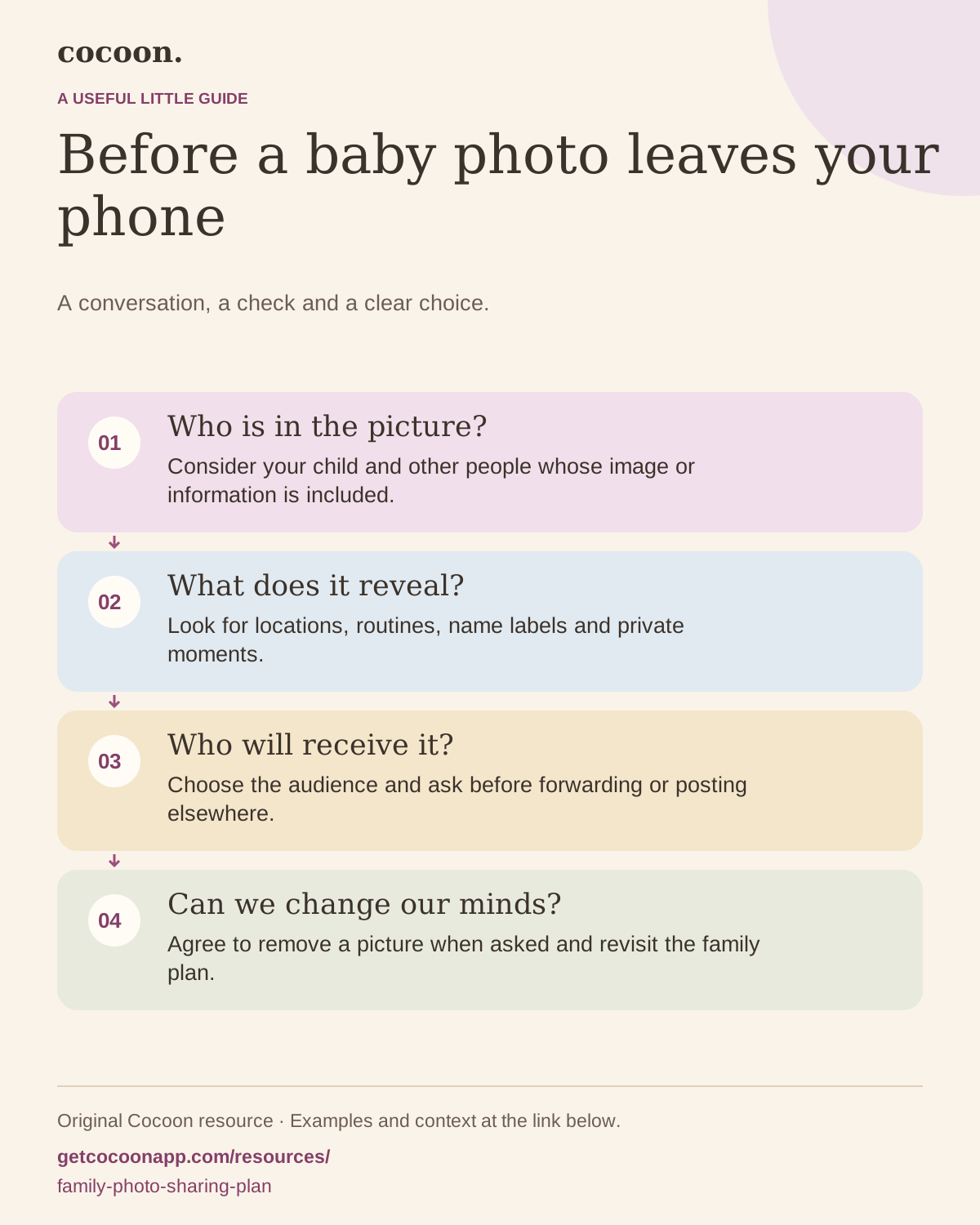
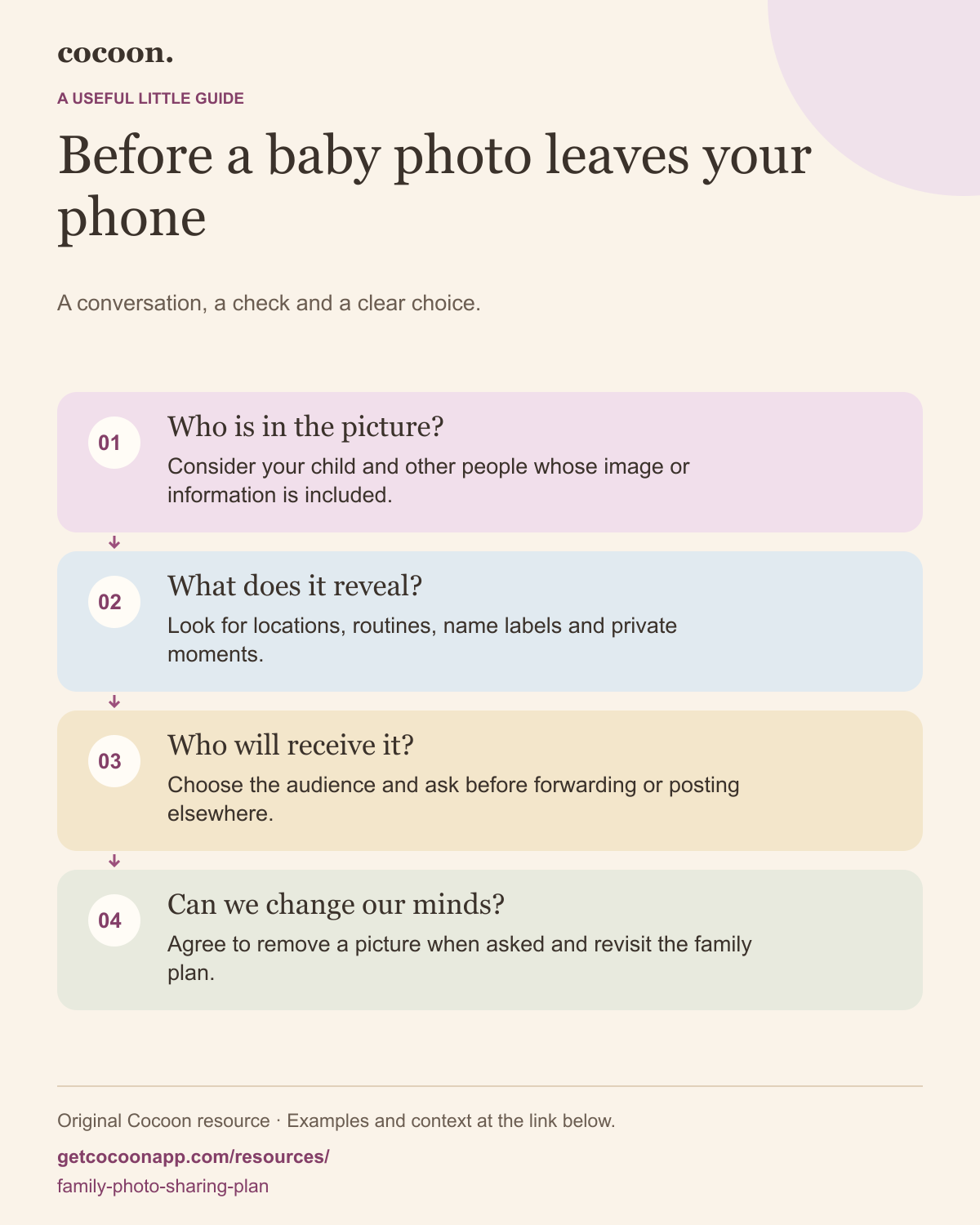
Agree on the audience, the details to leave out and whether anyone can forward a photo. Make asking before resharing the default. Include a simple way to request removal, and revisit the arrangement as your child grows and can take part.
Original template · Practical example · Visual guide
A practical next step
Add a memory without passing the photo on
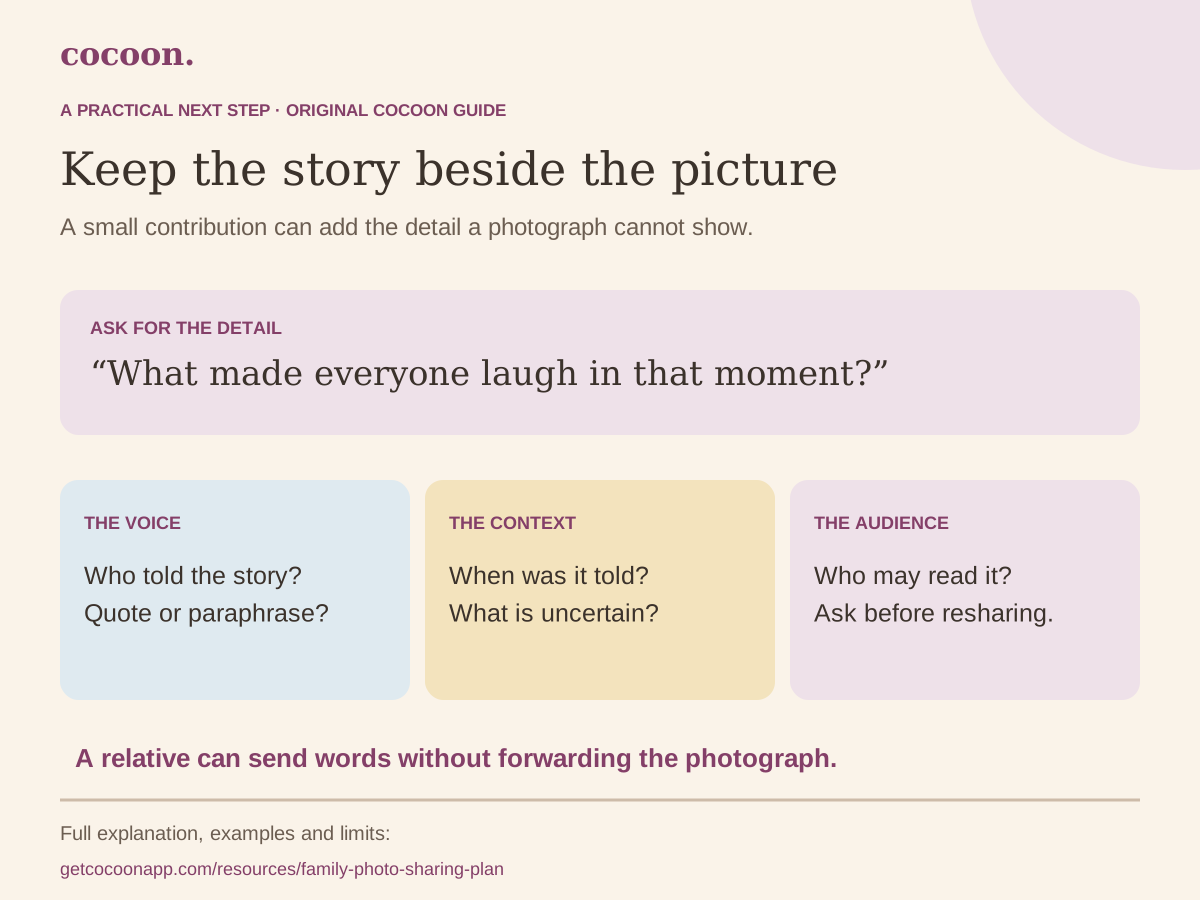
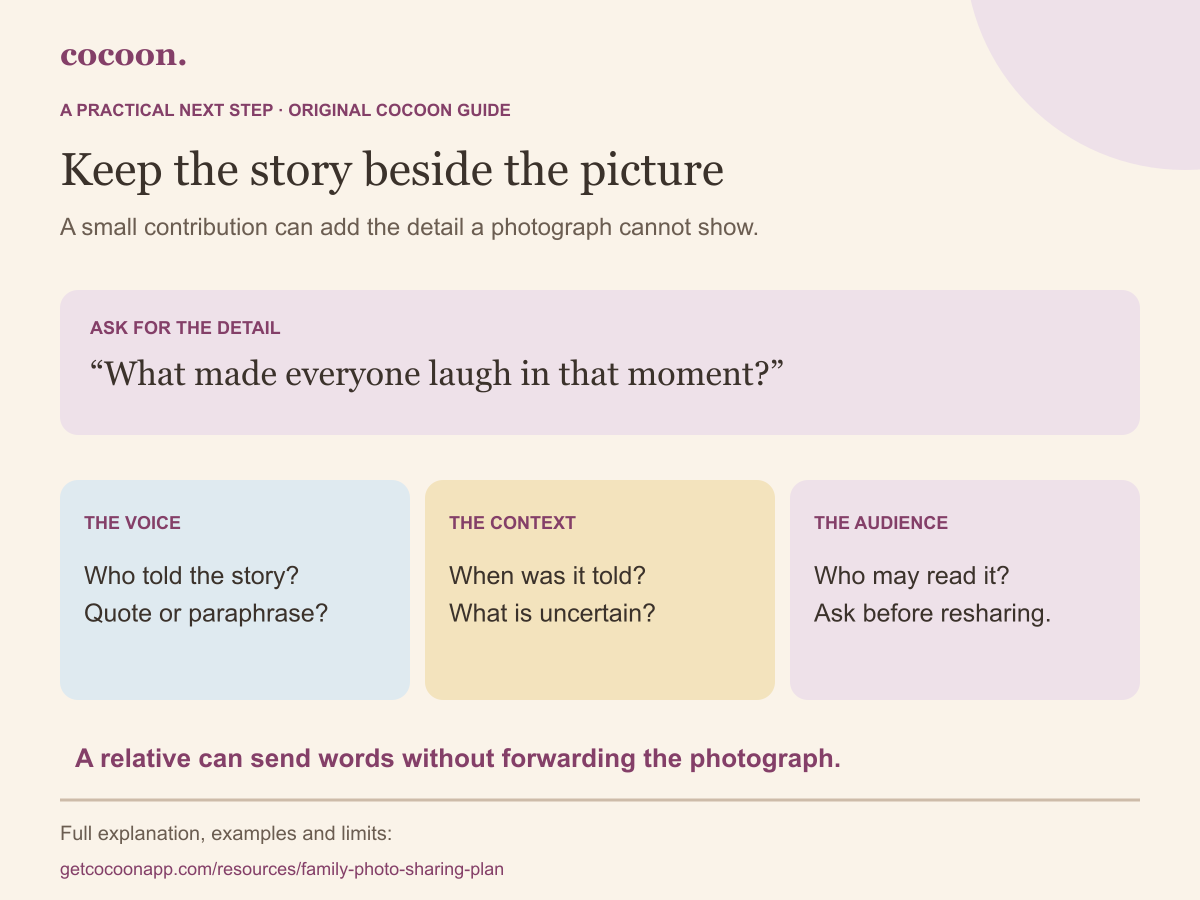
A relative can contribute the part a picture does not show: the words someone used, the joke behind the expression or a different recollection of the day. They do not need to repost the photograph to add that context.
A few remembered words can add context without another copy of a photograph. Keep the storyteller, uncertainty and sharing choice beside the words.
The steps and worked examples are explained in full below.
Send a few words
An invitation to adapt
“What do you remember about the yellow-sock game? You can send a sentence without forwarding the photo. Tell me whether these are your exact words or a summary, and who may read them.”
A fictional journal note
My summary of Pat’s message, 17 October: the sock appeared from under the blanket three times. Pat remembers everyone pretending to be surprised. The day of the game is uncertain. Keep this in the family journal; ask before sharing elsewhere.
Before keeping or sharing: Ask before placing their words beside a photograph or showing them to the wider family. A private message is not automatic permission for a public caption.
Have a short conversation
An invitation to adapt
“May I write down this story for our journal? I will read my short summary back to you. We do not need to make an audio recording.”
A fictional journal note
Notes from a conversation with Pat on 17 October. Pat described a game with a yellow sock and a blanket. This is my paraphrase, not a quotation. Pat agreed to the written version for the named family readers.
Before keeping or sharing: If you do want an audio or video recording, ask separately and explain where the file will go. Agreement to talk is not agreement to record or circulate it.
Add context to a memory already kept
An invitation to adapt
“I wrote that the game happened on Sunday. Do you remember it differently? I can keep your version attributed rather than changing it into a single certain account.”
A fictional journal note
Later note, 21 October: Pat remembers the game happening after a weekday visit. Our original note says Sunday; neither person is sure. Both accounts are kept as recollections.
Before keeping or sharing: Preserve the distinction between the remembered event date and the date of a later correction. Ask before adding another person’s names, locations or private details.
Ask for the missing detail
Try a narrow invitation: “Do you remember what made everyone laugh?” Explain who will read the result and offer a way to decline. Sending a photograph onward is a separate choice. The examples below use an invented yellow-sock game; they are writing models, not quotations from real families.
Put the speaker and the limits beside the story
Keep who contributed it, when you received it, which event they were remembering and whether the wording is exact or paraphrased. If you are unsure of the date, label the uncertainty. A later contribution can sit beside an earlier memory without pretending both people remember the same thing. Ask before including someone else’s private information.
Choose a contribution route that fits
A relative can send words through a channel you already agreed, or tell you a story for you to summarise with permission. You can add the agreed words to your own journal note. If the relative already has appropriate logging access, discuss adding a note directly; do not invite them just to obtain one sentence. Cocoon’s family roles are not a one-photo contribution permission.
Carry the sharing preference with the words
eSafety explains that even a photo shared privately can be copied and reposted. A written story can also contain identifying details, so decide what belongs in a family version and what may be shared more widely. A note saying “ask before sharing” communicates an agreement; it is not a technical lock that prevents copying.
Context and product references: eSafety Commissioner: privacy and your child — Australia; checked 17 October 2026. Supports the limits of private sharing, not the original examples. Cocoon: family sharing — Public workflow overview; specific controls checked against the app source on 17 October 2026.
Consider your child and other people whose image or information is included.
What does it reveal?
Look for locations, routines, name labels and private moments.
Who will receive it?
Choose the audience and ask before forwarding or posting elsewhere.
Can we change our minds?
Agree to remove a picture when asked and revisit the family plan.
Name the audience before naming the app
“Private” can mean different things to different relatives. One person may mean a message to two people; another may mean a social account with hundreds of approved followers. Begin by naming the intended recipients. Then decide which channel fits that audience.
The eSafety Commissioner notes that a picture in a private chat can still be copied and reposted Source 1. A setting helps manage access, but it cannot guarantee what a recipient does next. The family agreement therefore matters alongside the platform settings.
Check the background as well as the smile
eSafety advises avoiding details that reveal children’s locations, routines or uniforms Source 1. Before sending, look at the whole frame: a label on a bag, an address on an envelope, a nursery sign or another child in the background. Consider whether the caption adds information the picture does not need.
These are practical prompts, not a promise that cropping makes every image appropriate. Some moments can remain in a personal keepsake. Choosing not to share a photograph does not make the memory less worth keeping.
Make the awkward conversation easier
Explain the reason for the request in ordinary language: “We want to choose where her pictures go while she is too young to take part.” Give a clear alternative, such as asking you for a shareable version or keeping the picture within the named group.
Avoid a long list of rules that nobody can remember. Agree on a few decisions: who receives images, whether forwarding needs permission, which details stay out and how to request removal. This template is a family conversation aid, not a legal document.
Leave room for the child’s future voice
A plan made for a newborn should not become permanent by default. eSafety encourages involving children in decisions about what gets shared Source 1. As your child grows, revisit the arrangement in ways they can understand and respect a request to keep a moment private.
Keep your original photos and stories somewhere you control. Our baby journal backup checklist explains how to check an export; the memory prompts offer ideas for what to keep even when you choose not to post it.
A fictional worked example
Give the detail a little more context
Before
“Please keep the photos private.”
With useful context
“These pictures are for our family chat. Please ask us before forwarding or posting them, leave out our location, and remove a picture if we ask.”
The second version explains the audience and the action to take. It is an example to adapt, not a claim that a message can prevent every copy.
Keep something useful
Our family photo-sharing plan
A conversation aid. Revisit it as your child grows.
Our audience and chosen places
Name who is included; define what private means to your family.
Details and moments we keep off shared copies
Consider names, locations, routines and other people in the picture.
Before forwarding or posting
Who should be asked? What is the default when unsure?
Removal requests and our next review
How will someone ask? When will we revisit the arrangement?
Infographic PNG · Scalable SVG. Print the worksheet and keep completed copies private. This page has no fields for entering personal information.
You may print and share the unmodified blank resource with attribution to Cocoon. Keep its context and source link attached.
Sources and scope
Templates, prompts, visuals and fictional examples are original Cocoon material. The references below support the specifically cited context, not the entire template. They do not endorse Cocoon. These resources do not replace individual care instructions. Editorial standards and AI-assistance disclosure.