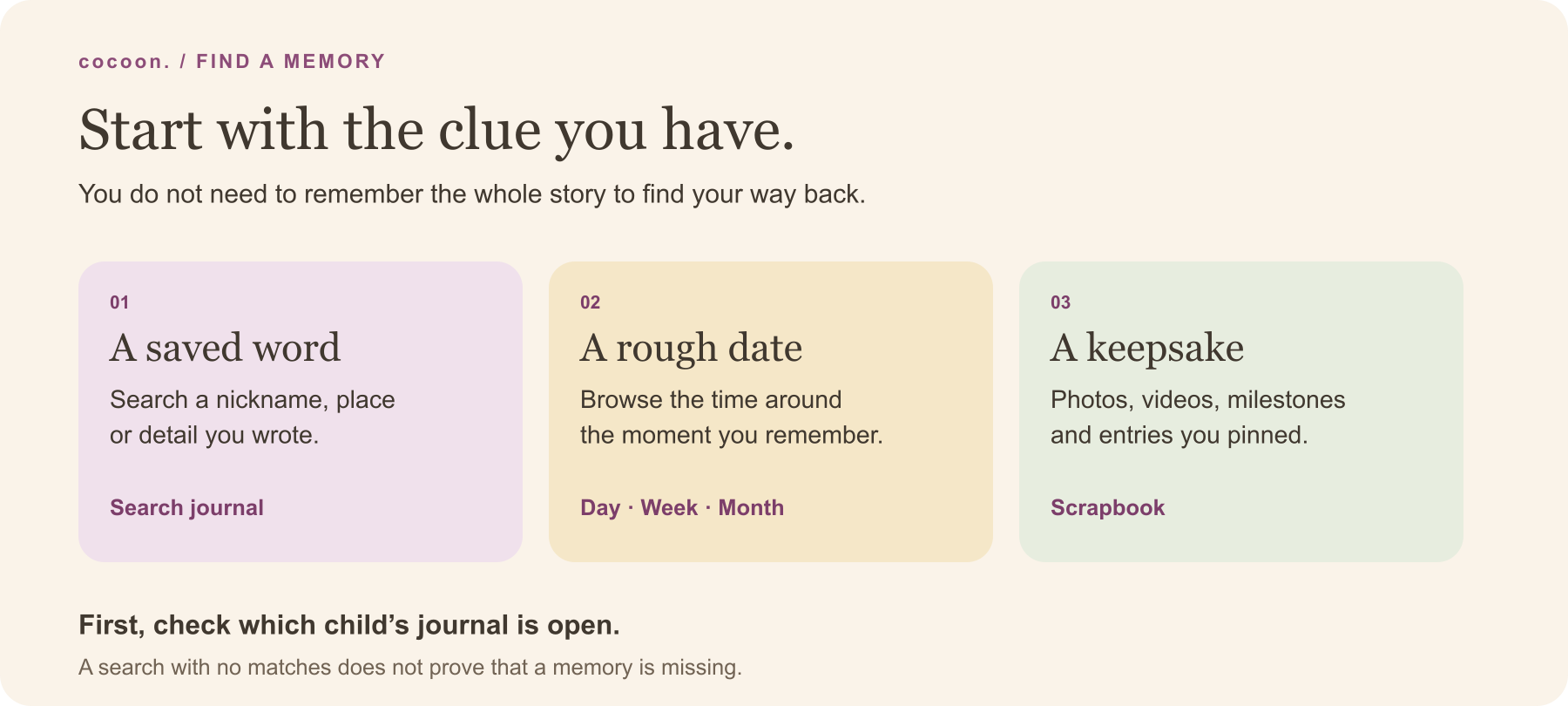

Start with the clue you have
Remember a word? Open Journal → Search journal and enter one distinctive word you wrote: a nickname, a place or a detail such as “socks”. Search looks through journal moments for the selected child, beyond the day you were browsing.
Remember roughly when? Stay in Journal and choose Day, Week or Month. Use the previous and next arrows to move through the selected view. Tap the date heading to choose a date; choosing a day opens Day view. For a remembered trip, the month view may be a better starting point than trying to guess the caption.
Remember a photo or a keepsake? Open Scrapbook, the heart button in the Journal header. It collects photos and videos, milestones and pinned entries across time for that child. It is a different selection from a complete event log, so not every written note will be there.
Before trying another route, check that you have the right child selected. A familiar name in another child’s journal is outside this search.
Use the words that were actually saved
The most useful first search is often a short, concrete word. Try Nana, picnic or Shelly before a long sentence. Saved note text, captions, tags, people and place labels can help find a journal moment. Capitalisation does not matter for these searches.
The current search looks for a continuous piece of text. “Yellow socks” can match “Yellow socks beside the washing basket”. “Socks yellow” does not match that phrase. If your first attempt is empty, shorten it and use the results to recognise the scene.
Read the dates beside the results. Moments appear newest first; if there are more than 40, Show more reveals the next set. Open the matching moment to read its original context. A search result is a way back to the entry, not a replacement for the story around it.
This is journal text search. It does not identify a beach inside an uncaptioned photograph, transcribe a voice note or interpret “the funny thing Nana did”. For those memories, use a date clue or browse the Scrapbook.
If nothing appears, change the question
Try these checks in order:
- Check the child. The journal and its search are scoped to the selected child.
- Try one saved word. Use the nickname you normally write. Shorten a phrase rather than adding more words.
- Switch to the date. If you remember a visit, holiday or month, use the Journal date controls. The search field is not a date filter.
- Look in the right collection. Journal search finds journal moments; it is not a search of every bare care-log event. Browse the dated log for a simple feed or sleep entry. Use the Scrapbook for photo and video memories, milestones and pins.
- Check how the memory arrived. If it came from an import, inspect the import result and the entry itself. Imported words and attached media can have different outcomes. Keep the original export while checking; the CSV import example explains why an imported record needs review.
Avoid creating a duplicate or deleting the original just because one search is empty. If you still cannot find an entry you expected, contact Cocoon support with a description of the problem. You do not need to send a child’s photo or the contents of a private journal to explain the first question.
Leave one small clue for next time
When you are saving a moment, a sentence such as “Nana’s yellow-sock game after lunch” gives your future self several ways back. It is enough to keep a meaningful detail; there is no need to catalogue every photo.
Use a saved person or place label when it adds useful context and you are comfortable including it. If you are adding a memory much later, distinguish what you remember from what you know. “I think this was the Sunday visit” is more honest than inventing an exact time.
For an entry you want in your keepsakes, a pin gives it a place in the Scrapbook. A pin is not an export or a separate backup. The journal backup checklist helps you check what is in the files you keep.
If you are short of words, choose one of the baby memory prompts, or use the monthly memory sheet for one photo, one quote and one small scene. Before sending the found moment to someone else, revisit your family photo-sharing agreement. Finding a memory and deciding its audience are separate choices.
What this walkthrough shows
The sample records and search results above are invented for this guide. They are not a family’s journal, a testimonial or screenshots of a signed-in account. The search examples are checked against Cocoon’s journal search, and the control names were checked on 1 November 2026.
The example does not access your journal. No child’s details are needed to try it. App controls may change; the journal feature page explains the broader feature and support is available if the screen you see differs.