Breastfeeding timer and bottle tracker
Left and right timers that keep counting through a closed app or a flat battery, a clear “start on the left” for the next feed, and bottles logged in a tap.
Cocoon has left and right breastfeeding timers you can pause, resume and switch, and it remembers which side you finished on so Home shows the side to start on next. Timers are worked out from timestamps, so they survive the app closing or the phone restarting. Bottles log in ml or oz as formula, expressed, mixed or donor milk.
What it does
Start a nursing timer on either side, switch sides mid-feed, pause for a burp and resume. Because each timer is stored as timestamps rather than a ticking counter, it keeps the right time through a closed app, a reboot or a daylight-saving change.
Cocoon remembers where you finished and puts “Next nursing: start on the left” (or right) front and centre on Home — the question every breastfeeding parent asks at 3am.
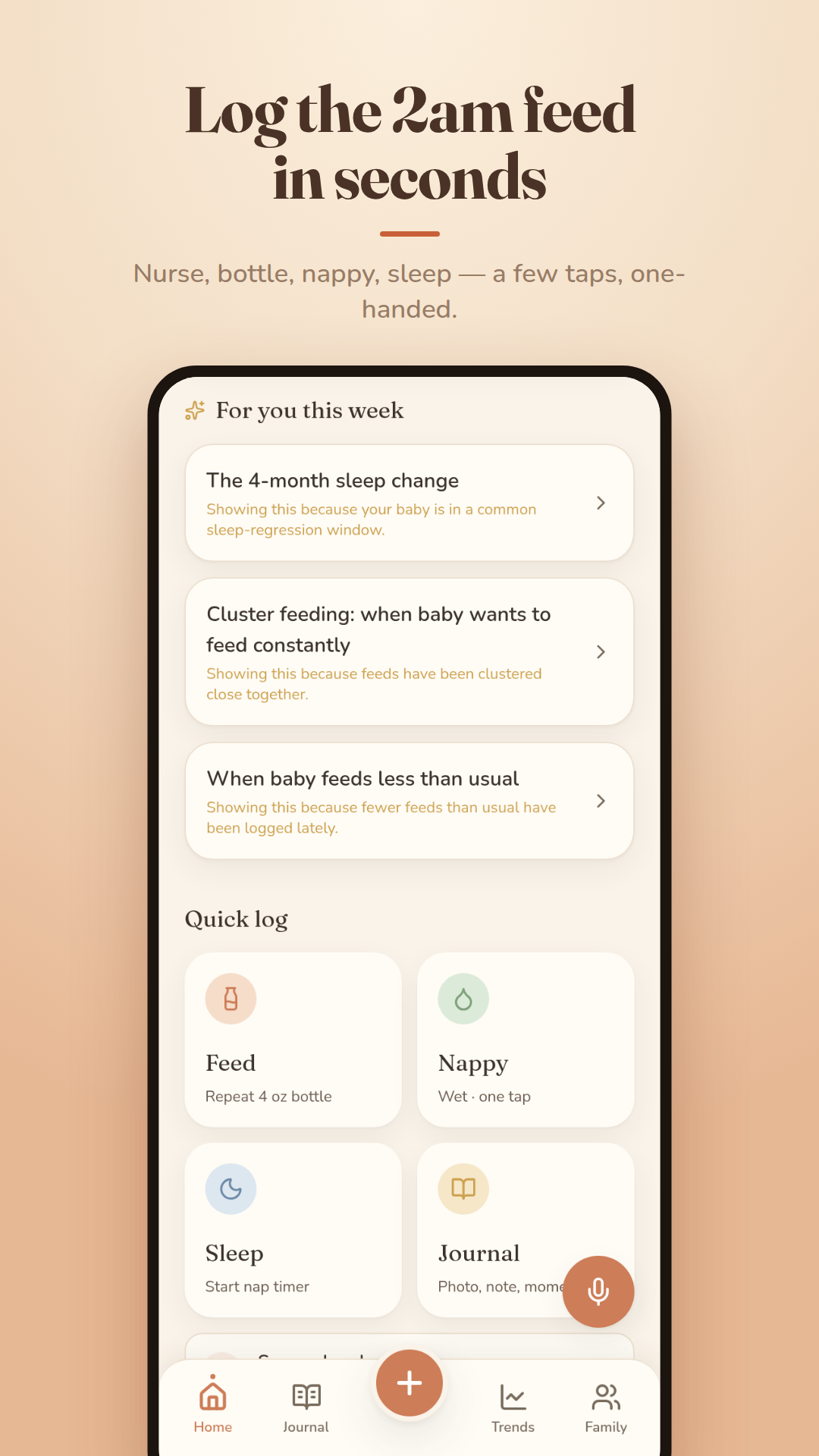
Bottles log in millilitres or ounces with your usual amount one tap away, and you can say what was in it: formula, expressed milk, mixed or donor milk. Combination feeding is first-class, so breast, bottle and pumping sit side by side in the same day.
How it works
- Tap Feed on Home to start the side you're due on — or pick left or right.
- Switch sides, pause and resume from the timer card, the Lock Screen or the widget.
- End the feed; Cocoon records each side's time and the side to start next.
- For a bottle, log your usual amount in one tap or enter a different amount and contents.
The details
- Time per side and total time at the breast, per feed and per day
- Running timers on the Lock Screen, Dynamic Island, widgets and an Android notification
- Enter a past feed after the fact
- Charts of daily feeds, bottle intake and time nursing over 7, 14 or 30 days
- A usual feed window on Home, tuned to your baby once there's enough history
- ml or oz, set once in Settings
Common questions
Does Cocoon remember which side I fed on last?
Yes. It records the side you finished on and shows the side to start on next, right on Home, so you don't have to remember at 3am.
What happens to a running feed timer if the app closes?
Nothing — it keeps the right time. Timers are calculated from when they started and paused, so closing the app, restarting the phone or a clock change doesn't lose the feed.
Can I track combination feeding?
Yes. Breastfeeds, bottles (formula, expressed, mixed or donor milk) and pumping sessions all sit in the same day, with totals and charts for each.
Read more in the guides
A comfortable latch and position
A calm, practical guide to settling your baby into a deep, comfortable latch so feeds feel easier for both of you.
Cluster feeding: when baby wants to feed constantly
Those long evening stretches where baby feeds again and again are normal, healthy, and won't last forever.
Is my baby getting enough milk?
If your baby is having regular wet and dirty nappies, gaining weight and settling after most feeds, the milk is very likely going in just fine.
Combination feeding (breast + bottle)
Mixing breastfeeding and bottles can give your family flexibility and rest, and there are gentle ways to do it while protecting your supply.
Paced bottle feeding
A gentle, baby-led way to give a bottle that lets your little one set the pace and stop when they're full.
How much formula does my baby need?
There's no perfect number — your baby's hunger cues, wet nappies and steady growth tell the real story, and we'll help you read them.
Free tools
Breastfeeding & bottle tracker
Every feature is free right now — no ads, no subscription. Log feeds, sleep and nappies in seconds — and keep the memories too.
Goes well with
Pumping log & milk stash
Log a pump in seconds, send the milk straight to the fridge or freezer, and always know what's in your stash — and what to use first.
How it worksFeed-safe alcohol timer
A glass of wine on a hard day, without the maths. A private estimate of when your milk is likely clear, counting down on Home and your Lock Screen.
How it worksVoice, widgets, Lock Screen & Siri
For when both hands are full: speak it, tap it from the Lock Screen, or ask Siri. Timers and the next window are always one glance away.
How it works